
picette The Gallery Examples Pricing Sign in Start free

The Gallery

A delivery your clients
will remember.

Every shoot becomes its own dedicated gallery — designed to feel like yours, effortless for them, and ready to send the moment the last photo uploads.

Gallery cover example

Presentation

Designed to impress.

The first thing your client sees is a full-screen cover with their names over your photograph — not a file list.

  • A cover worth the shoot — pick any frame as the opening image.
  • Three layouts, three cover styles — grid, masonry, or editorial column; full-bleed, title band, or typographic cover.
  • Three backgrounds — white, black, or cream, to suit the work.
  • Your studio's name — on the cover, with serif or sans title type and an event date line.
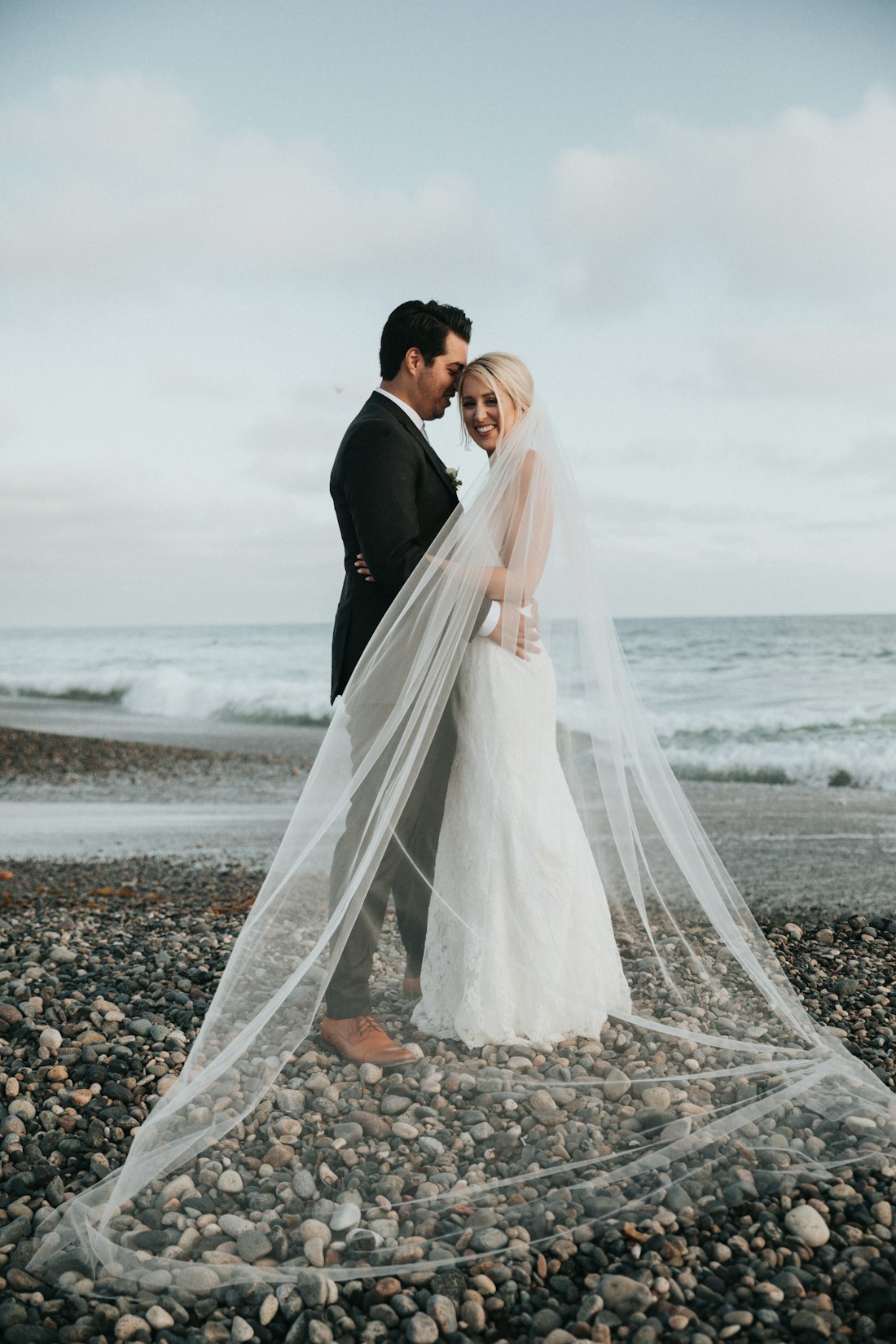
Photo delivery example

Delivery

One link. No logins.

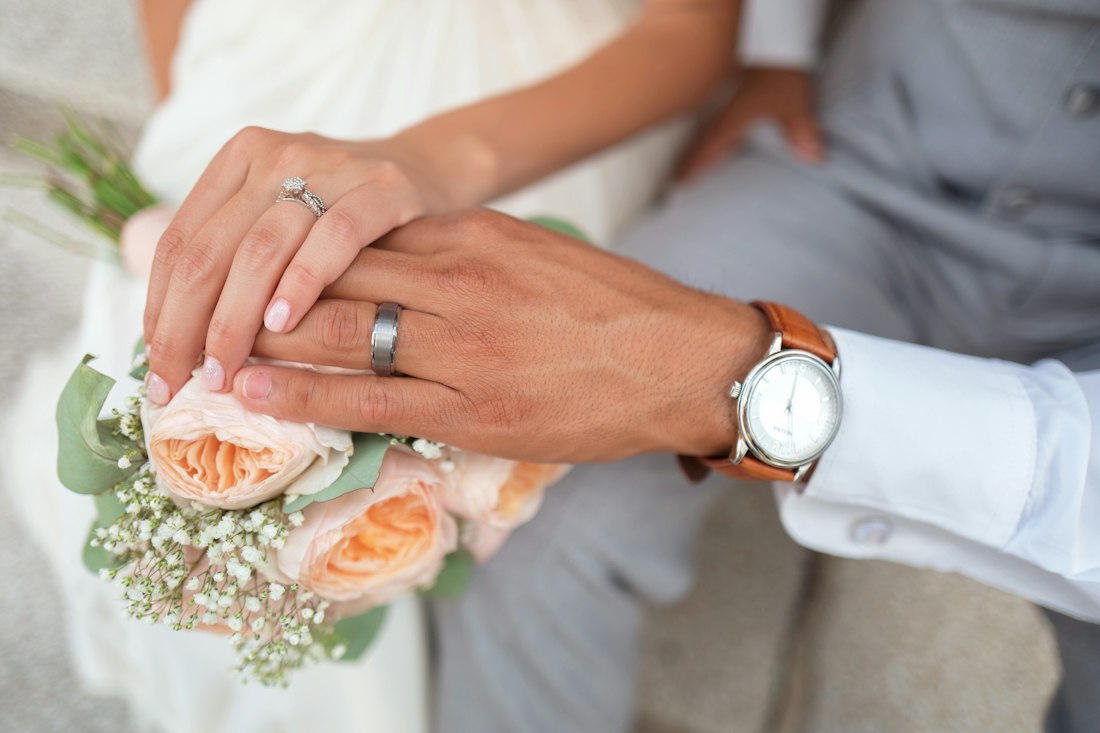
Clients tap the link you send and they're in — no accounts, no apps, nothing to explain.

  • Your name in the URL — picette.com/yourstudio/their-album.
  • Fast web viewing — optimized copies are made automatically.
  • Downloads in two sizes — original or web-ready, one frame or the whole gallery in a single archive.
  • Video clips too — highlight films sit beside the photos, streaming fast, downloading full-quality.
  • Drag-and-drop upload — reorder photos and change the cover any time.
Private gallery example

Privacy

Private, by default.

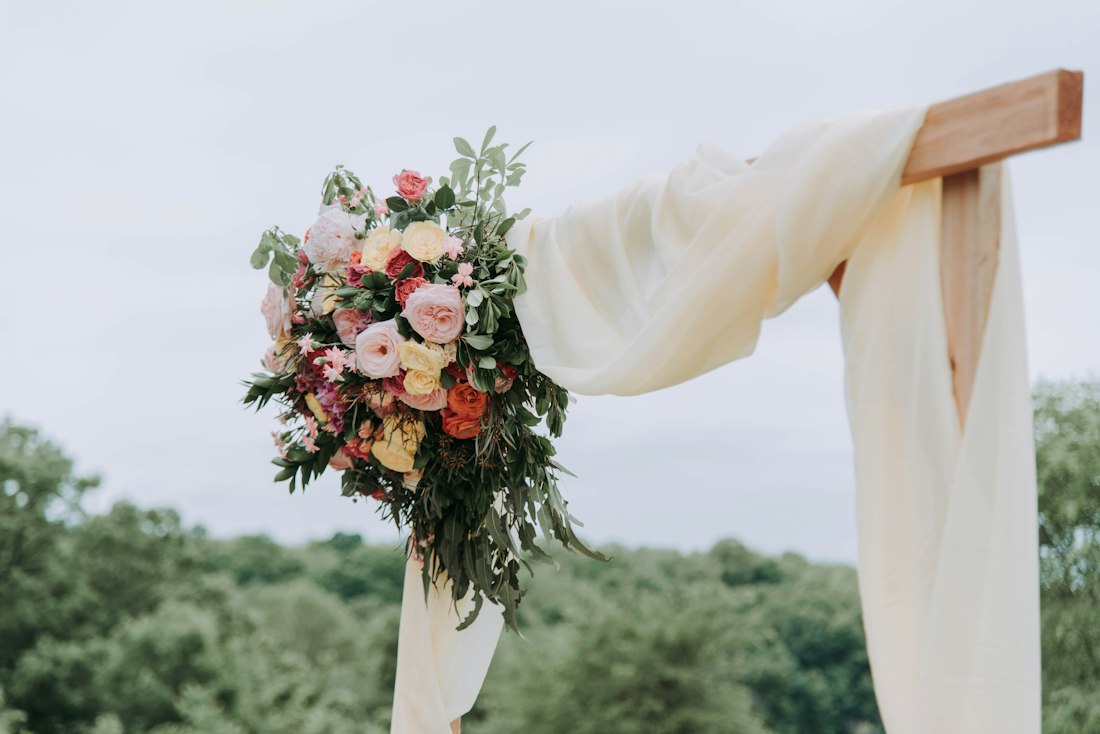
Your work is yours to show to exactly who you choose. Each gallery sets its own door.

  • Email at the door — ask visitors to leave their email before viewing.
  • Password protection — lock a gallery to the people who should see it.
  • Downloads, your call — allow or disable them per gallery.
  • Links that expire — set a closing date and the gallery bows out gracefully.
  • Invite-only guest lists — with email at the door on, only the addresses you name may enter.
  • Watermarked previews — your mark on every web image; originals stay clean for delivery.
Proofing example

Proofing & activity

Know the moment.

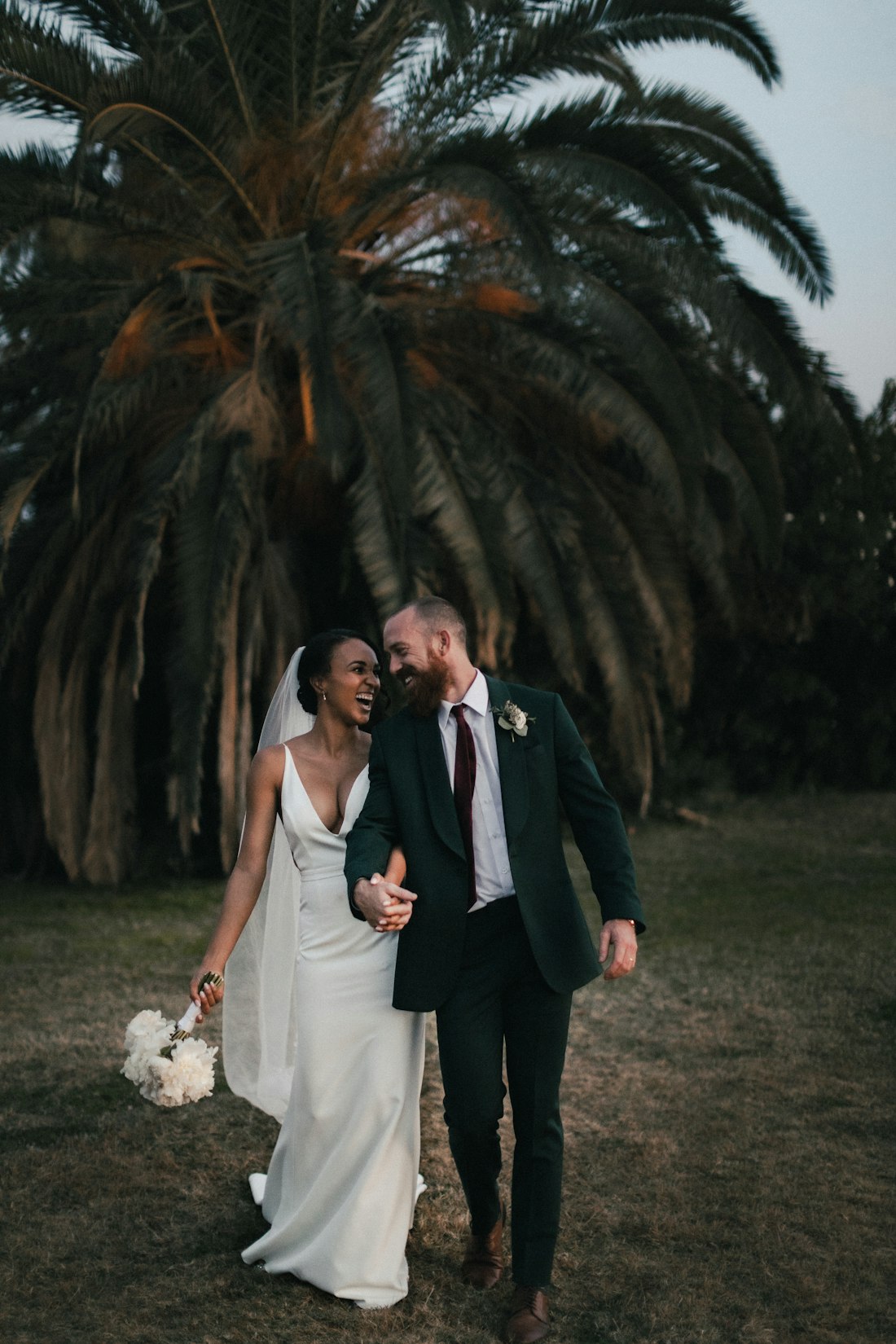
Stop guessing which frames they loved. The gallery quietly tells you.

  • Hearts on favorites — clients mark the frames they love as they browse.
  • Comments on photos — notes and requests land on the exact image.
  • A live activity feed — who opened, what they favorited, what they downloaded.
  • Know the moment it lands — an email when a client first opens or downloads.
  • Favorites, delivered — clients download just their favorites as one archive.
And the rest

Everything in its place.

Unlimited galleries

Every client gets their own — there is no gallery limit on any plan.

Pretty links

Claim your handle once; every album link carries your studio's name.

Your homepage

Feature chosen galleries on your public page at picette.com/you — covers, names, dates.

Originals kept safe

Full-resolution files are stored untouched and served only for downloads.

Reorder & curate

Drag photos into the order the story should be told in.

Download-all archive

The entire gallery in one archive, built on demand.

Link previews

Texted links unfurl with the cover photo and the gallery's name.

Slideshow

A quiet auto-advancing view for reliving the day full-screen.

An app on their phone

Clients save the gallery to their home screen — your cover becomes the icon.

Grid spacing

Tight, regular, or airy — set the breathing room the work deserves.

The design room

Every option, catalogued.

Each gallery is its own design. These are the levers — every one of them on every plan.

Six cover styles

  • Full-bleed — the photo edge to edge, titles centered over it.
  • Titles low-left — an editorial poster, names anchored at the base.
  • Framed — the photo inset on the gallery's own paper.
  • Title band — photo above, titles on a clean band below.
  • Split — photo beside the titles, magazine-spread style.
  • Typographic — no photo at all; the names carry it.

Four title voices

Editorial serif Classic garamond Modern sans POSTER MONO

Each in the case you choose — as written, UPPERCASE, or lowercase.

Five papers, five accents

rose · gold · sage · slate · ink — the color of every heart

The grid, tuned

  • Three layouts — grid, masonry, or a single editorial column.
  • Three crops — square, portrait 4:5, or landscape 3:2 tiles.
  • Three sizes, three spacings — small to large, tight to airy.
  • Four orders — your drag order, when taken, newest, or by filename.
  • Photo focus — top, center or bottom of the cover frame.

Start designing — free

Begin with your next shoot.

Start free